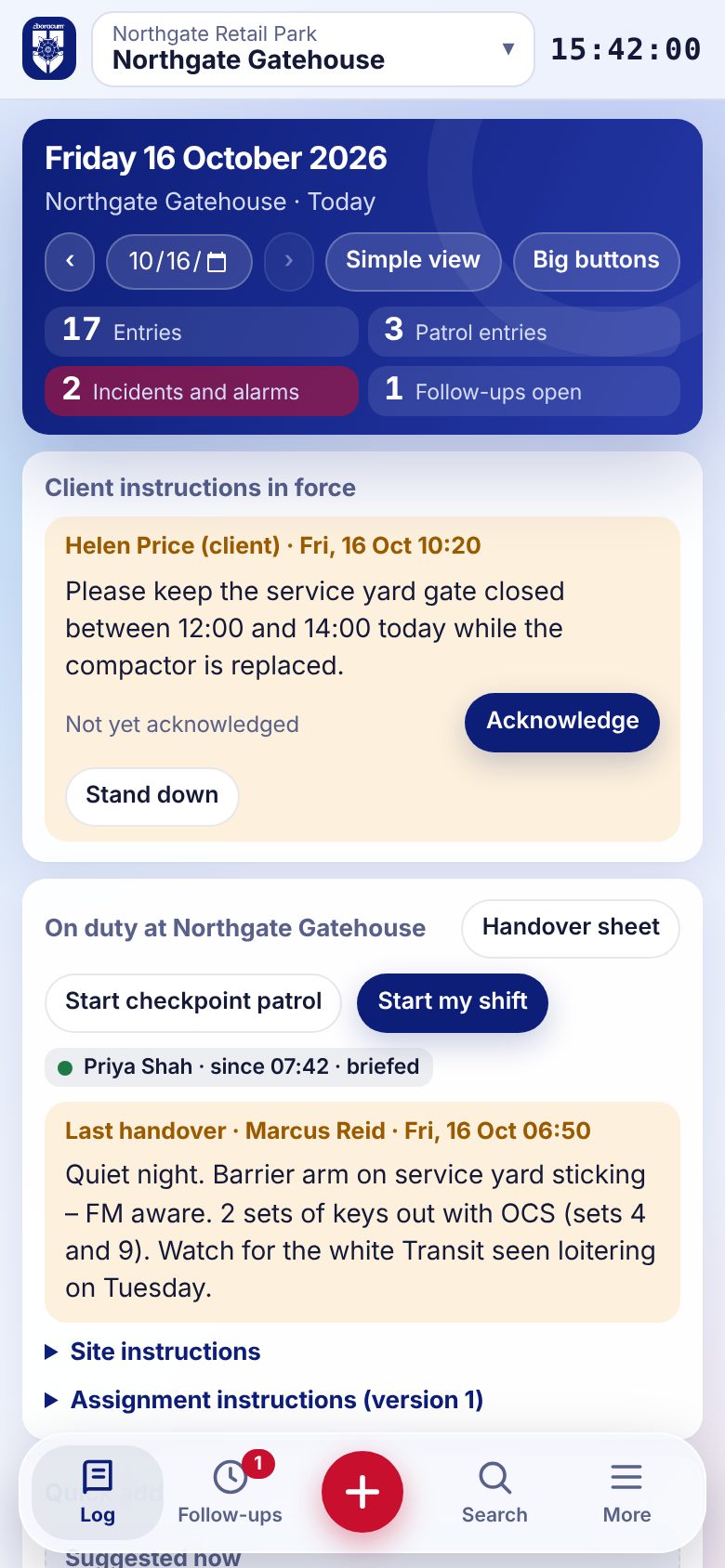
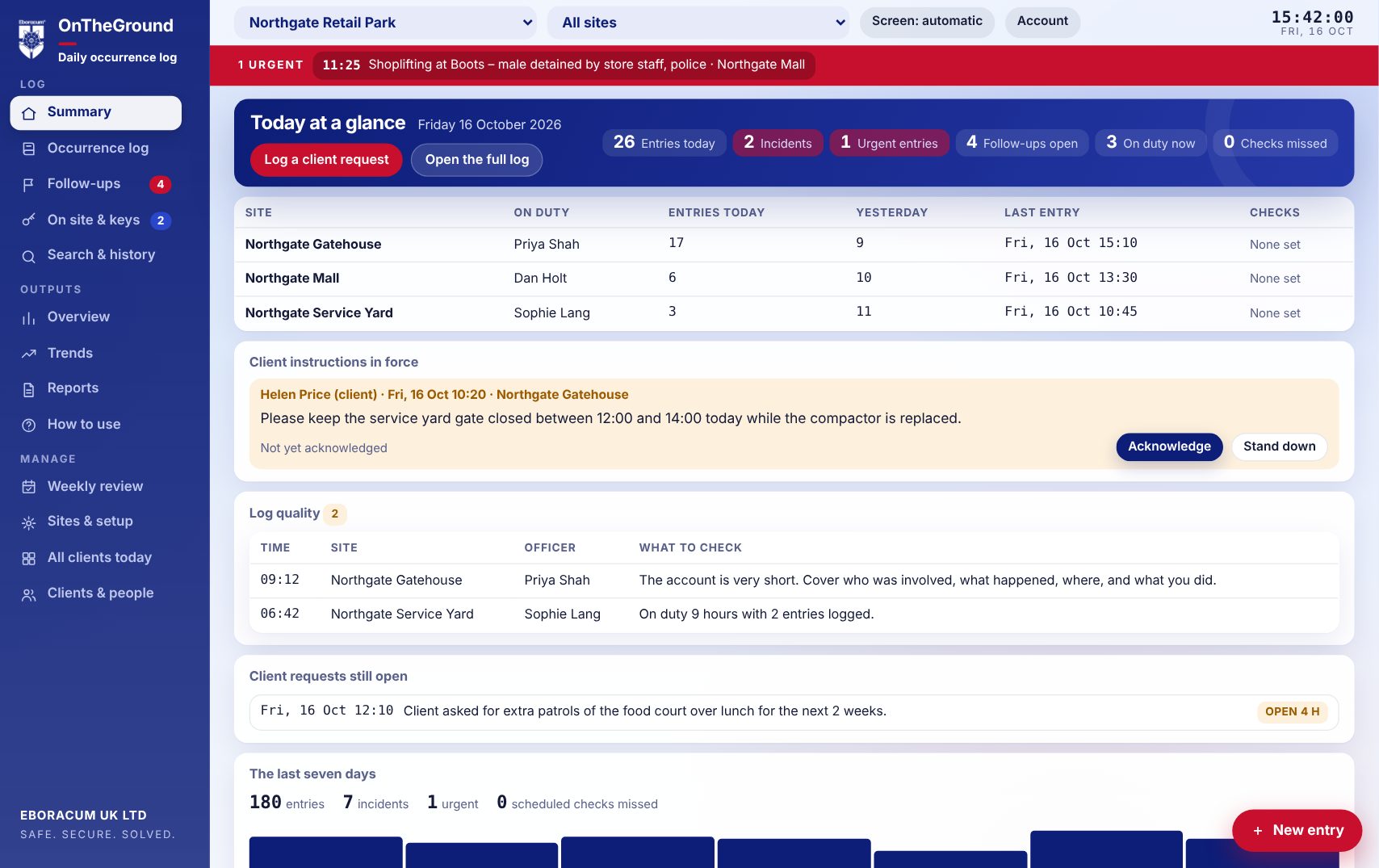
OnTheGround replaces the paper daily occurrence book. Officers log a whole shift with a few taps. Managers see every site live. Each client signs in to their own log, and every entry stays on record.


This tour is written for two readers: the manager who will use OnTheGround every day, and the buyer deciding whether it's worth having.
Operations, contract and duty managers, and supervisors
Clients, facilities and estates leads, and security directors
An occurrence log is evidence, so OnTheGround is built to keep it complete, private and hard to tamper with.
Client logins can open only the logs they've been given. The rules are enforced on the server, not just hidden on screen.
Entries are add-only. Officers get a short window to fix their wording. After that, changes are added as updates, or the entry is voided with a reason that stays visible.
Supervisors can mark a note, photo or handover as internal. Client logins never receive it.
Anyone can add an authenticator-app code to their sign-in. Every person has their own login and role.
Every entry records who logged it, for which organisation, and when it happened and was written. Account and setup changes go into an audit log that can't be edited.
Officers can keep logging in basements and car parks. Entries wait on the phone and send as soon as the signal is back.
Most sites still run on a paper book in the gatehouse. Here's what changes.
| Paper occurrence book | OnTheGround | |
|---|---|---|
| Seeing what happened | Someone has to be on site to read it, or photograph the pages. | Managers and clients see it live, on any device. |
| Quality of entries | Depends on the officer and their handwriting. | Quick-add buttons, structured forms, templates, dictation and quality prompts. |
| Integrity | Pages get torn out, scribbled over or lost. | Add-only, time-stamped and signed by the officer. Voids stay visible. |
| Follow-up | Actions get forgotten when the page turns. | Follow-ups stay open across days until someone closes them. |
| Reporting | Hours of typing up for the monthly meeting. | Branded PDF reports, monthly packs and spreadsheets in seconds. |
| Briefings & instructions | A folder nobody signs. | Officers read and sign assignment instructions and handovers when they start a shift. |
| Keys & visitors | A separate signing-out sheet. | Live on-site and keys-out lists built straight from the log. |
No. OnTheGround runs in the browser on phones, tablets and desktops, and can be added to a phone's home screen like an app.
Yes. Each client can have logins that add entries, or view-only logins. Clients can post instructions and requests, and they see when the team has acknowledged them.
Yes. Each client has its own log, holding as many sites as you need. Eboracum managers get an "All clients today" view across everything.
Yes. Under Sites & setup you can set each client's quick-add buttons and entry templates, and each site's scheduled checks, checkpoints, start-of-shift checks, notices and assignment instructions.
Daily occurrence reports, monthly client packs, period summaries, incident and follow-up reports, full incident reports and witness statements as PDFs, plus hours-on-duty and full-log spreadsheets.
Yes. The live demo opens OnTheGround with a sample client, sites and a fortnight of entries. Add entries, run reports and change the setup: nothing is saved, and reloading starts again.
Once your logins are set up, a site can go live the same day. Officers learn the basics in minutes, and there's a built-in "How to use" guide.
Tell us a little about your operation and we'll set up a demo log with your sites in it.
Security, community safety and facilities management, based in York. We built OnTheGround for our own teams, and now offer it to others.
Safe. Secure. Solved.